/ Technologies




/
article
/
Not even a year has passed and we already have the successor to Microsoft CRM 2015. You may ask why so soon and what you gain by moving to Microsoft CRM 2016. I will answer in this short article.
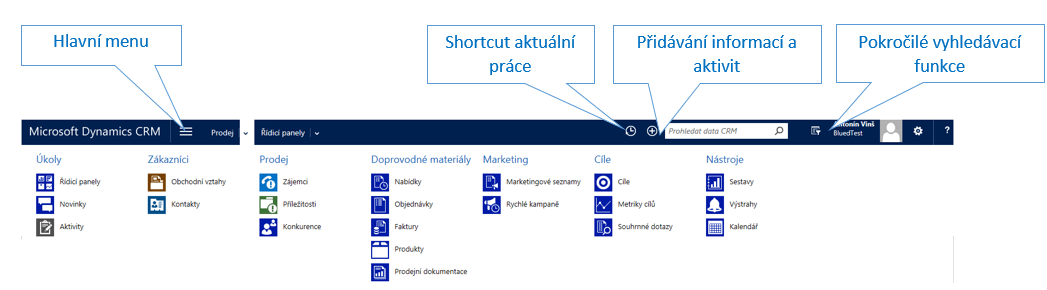
The new Microsoft CRM 2016 is the right step for your company. It lets you better target your customers’ needs and stay in touch thanks to new features. The new version also streamlines resource planning and eases the workload of your support team.
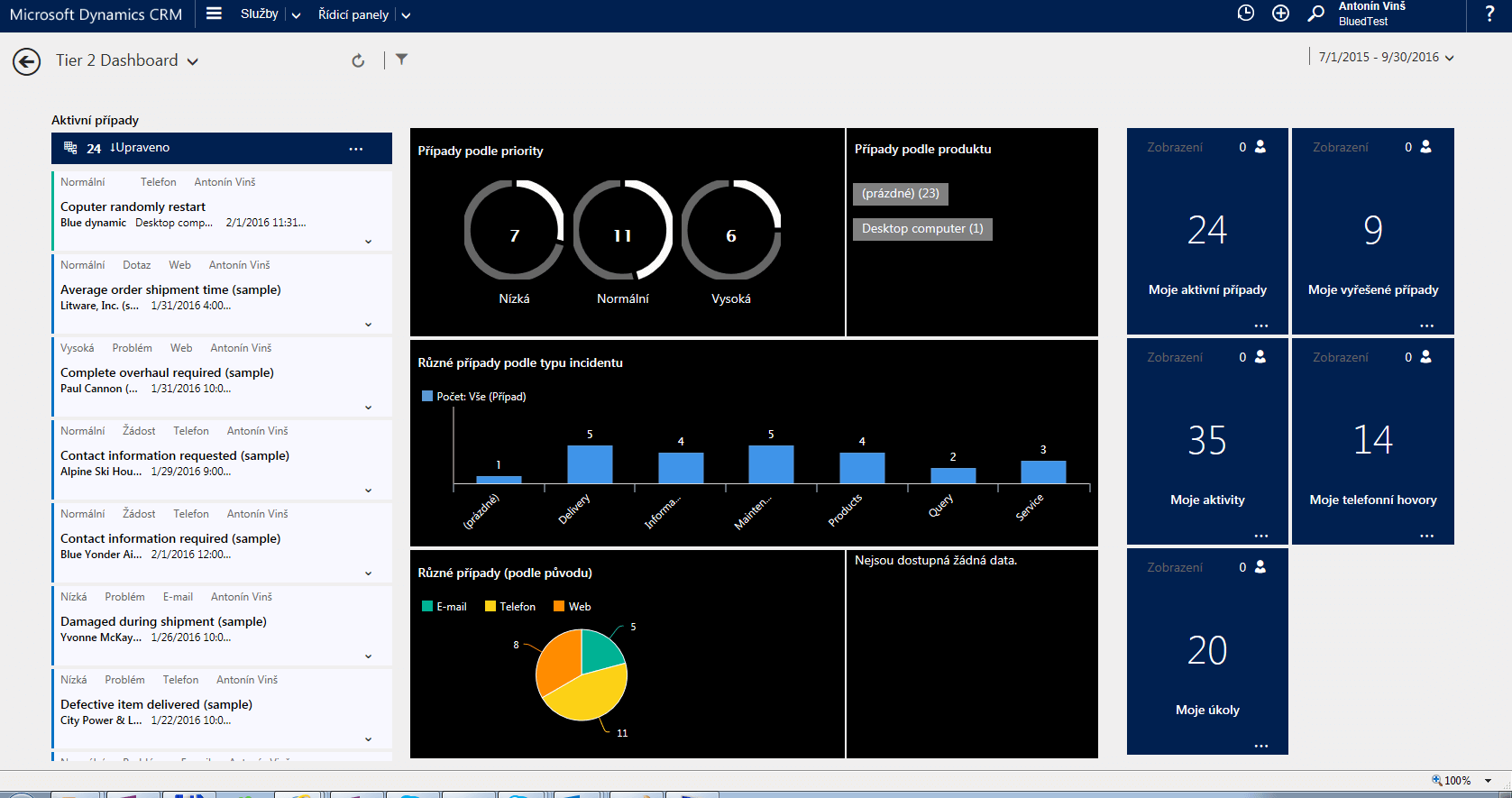
The biggest change compared to CRM 2015 is the addition of a new service interface. The entire new service interface behaves like a separate web application and runs on a different URL than the CRM itself. The goal is to better segregate customer support from sales activities and not burden support agents with information irrelevant to them.
For those of you who do not know the difference between the online and on-premise versions, here is a brief summary. Note that the aim is not to analyze pros and cons.
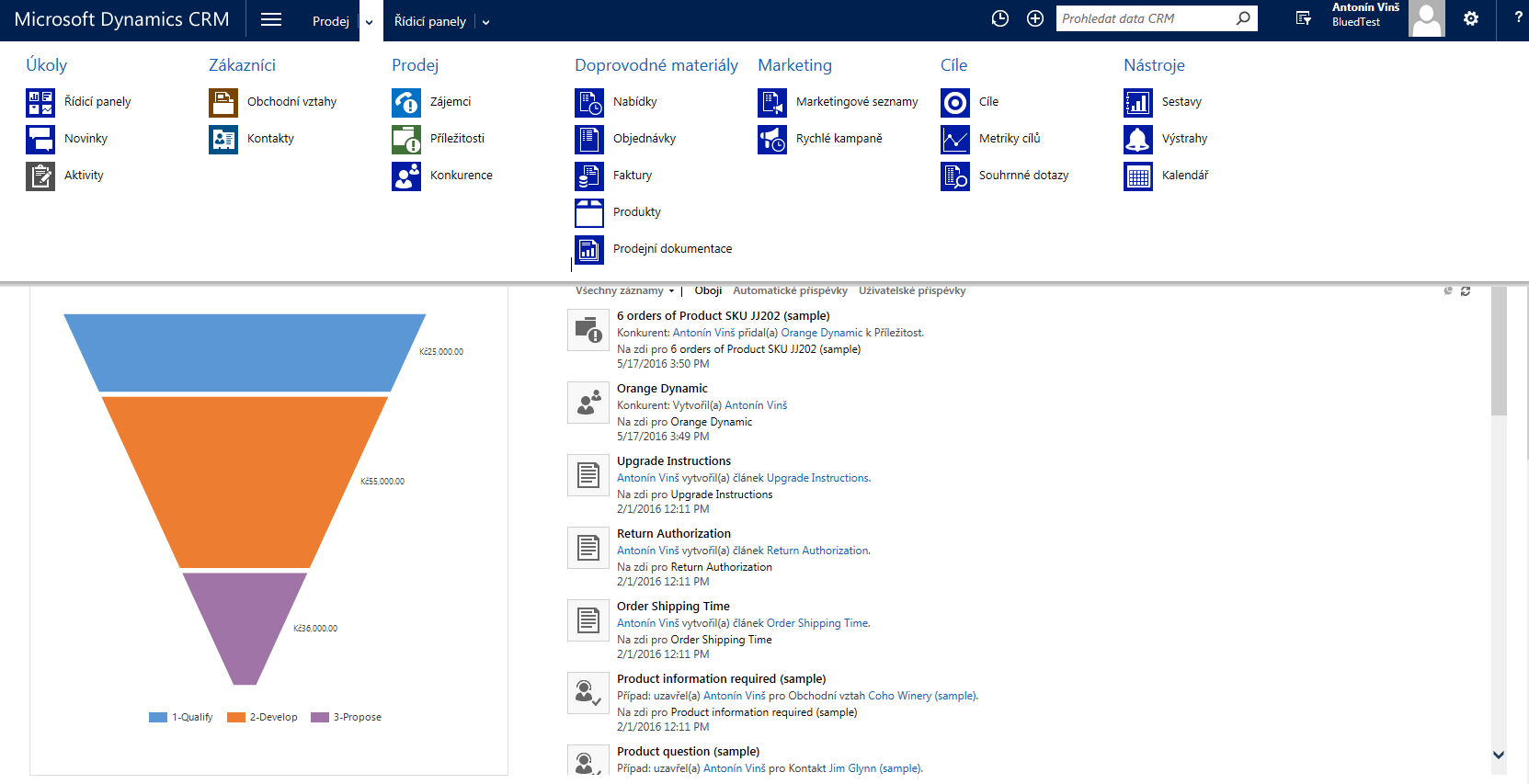
Microsoft listened to customers and their surprise that the previous on-premise CRM version lacked some handy features from the online version. It is only a pity these improvements were added to version 2016 and not backported as an update to 2015.
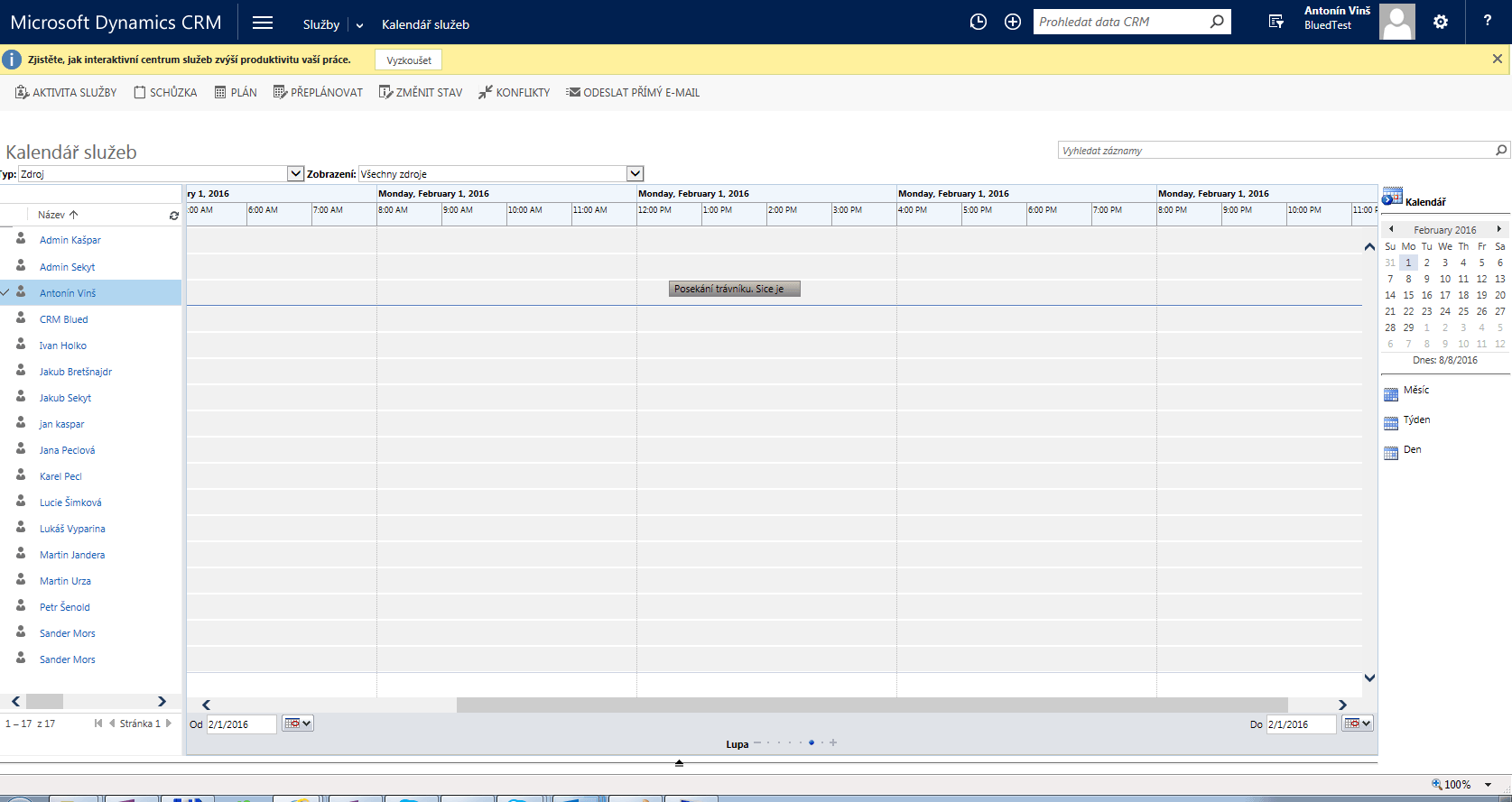
After Microsoft’s recent acquisition of Field One, Microsoft CRM 2016 includes their flagship product, which lets you plan your team’s work in detail.
The aim is to simplify and clarify planning of resources and skills needed to deliver a service.
Imagine a team of gardeners in the field equipped with smartphones. Each team member has certain skills and capacity. One is good with a lawn mower, another trims shrubs.
With CRM you can plan their capacity and tasks and get feedback and status updates from your team directly from the field via their mobile devices. Yes, I simplified it a bit; FieldOne can do more.
There is no reason to fear moving to Microsoft CRM 2016. Those of you already on CRM 2013 or CRM 2015 will feel at home and will be pleased by the set of improvements and new features.
What you may have known for a long time from third-party modules delivered to Microsoft CRM, such as the ClickDimensions marketing module, is gradually appearing in Microsoft’s base version. Of course not in such a sophisticated form.
From CRM 2016 Online you can create questionnaires that are sent to your customers. This is essentially a way to collect feedback from your customers.
Your customer ordered goods in your online store. The goods were delivered and CRM, integrated with logistics, learned about it. An automated process sent your customer a prepared questionnaire asking about their satisfaction with the e-shop purchase. This can be followed by manual processing of the data by your staff or an automated process that alerts your contact center to a dissatisfied customer.
The goal is to obtain information from your customers, know more about their needs and how they feel, and use this information to retain them and target their needs.
Note that to make this work you must have an Azure license from Microsoft, where the questionnaires are physically hosted.
For those interested in a more sophisticated solution, here is at least a link to ClickDimensions.
CRM 2016 has a new version of the mobile app, and if you have CRM Online with at least 30 users or a PRO license, you can use a hybrid mode where you do not have to be online and data syncs later.
Users of the CRM online version can also use a new lightweight CRM app integrated into various versions of Outlook. This is clear in the Office 365 web interface, where you can work with your CRM. This is very useful for those of you used to the Outlook web interface.
Microsoft also added new templates and their management directly in CRM. This greatly clarifies working with templates and creating them. In my view it is a useful tool that lets you create reports and statements and share them with others in the familiar Office environment.

Link to Microsoft’s main CRM page
Link with a list of what’s new in MS CRM 2016
Link with user guides and help for MS CRM

Antonín Vinš – consultant at Blue Dynamic with experience implementing Dynamics CRM solutions.
News in Microsoft CRM 2016
/ Laten we praten — of u nu al weet wat u nodig hebt of gewoon de mogelijkheden wilt verkennen.

B/ue Dynamic NL
Lange Viestraat 2 B, 3511 BK Utrecht
Netherlands
Blue Dynamic, B.V.
KVK: 83303308
BTW: NL862820972B01
B/ue Dynamic CZ
Prazska 239, 250 66 Praag
Tsjechische Republiek
Blue Dynamic, s.r.o.
ICO: 02339234
DIC: CZ02339234